In Apple Passwords (on your iPhone), go to your email acct page, click the Set Up Code button and point your camera at the QR you're shown.
That's it! Now your account will be ready to login with both your email/password AND your 2FA code.
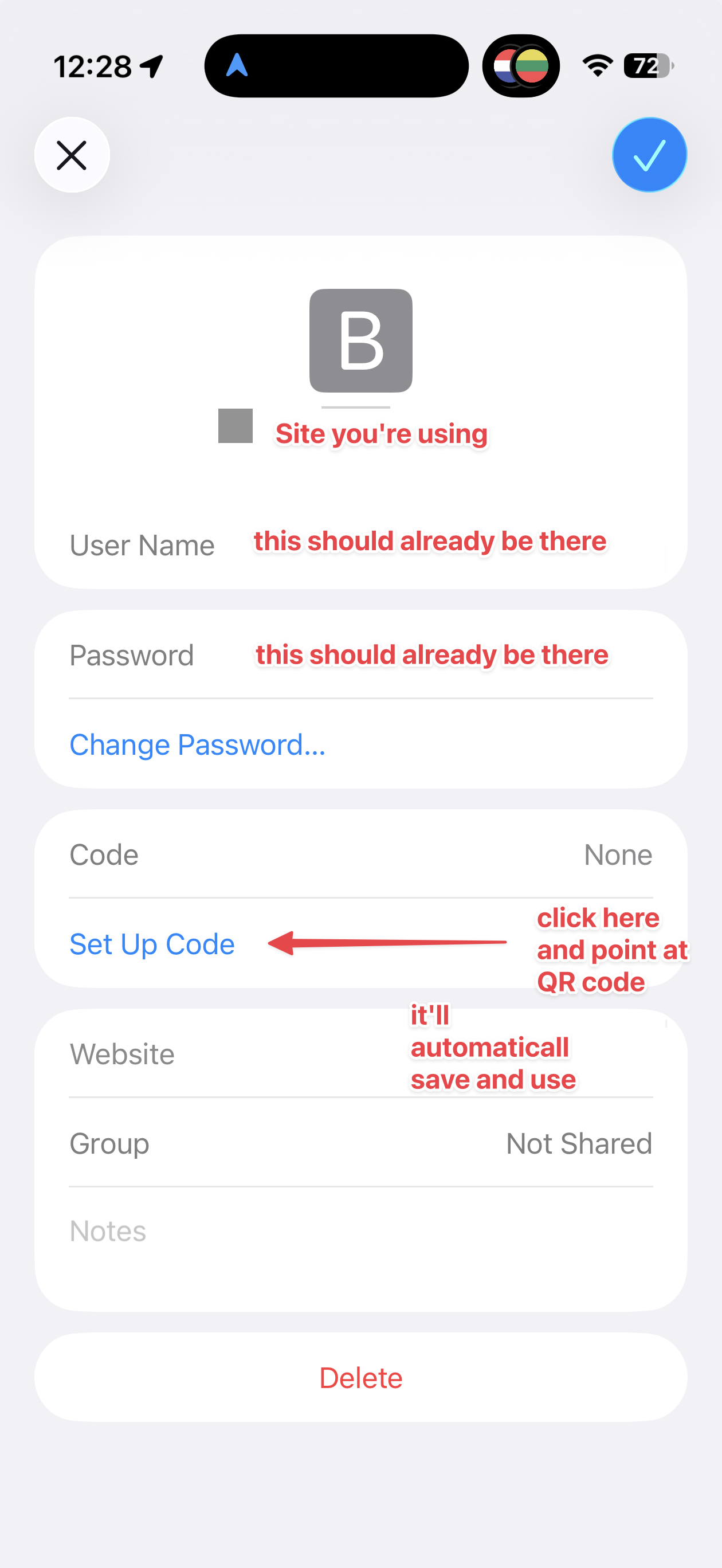

In Apple Passwords (on your iPhone), go to your email acct page, click the Set Up Code button and point your camera at the QR you're shown.
That's it! Now your account will be ready to login with both your email/password AND your 2FA code.
For your convenience, Chillimail supports both IMAP and POP. Typically, we recommend using IMAP...
The MX records you need for Chillimail are: Priority: 0Destination:...
Regardless of the email service you use, your username is always your full email address. For...
Email account setup in Mac OSX Mail (SMTP/IMAP) Email clients, like Mail in Mac OSX, allow you...
What is a DKIM record? A DKIM record is actually a specific type of TXT record to verify that...