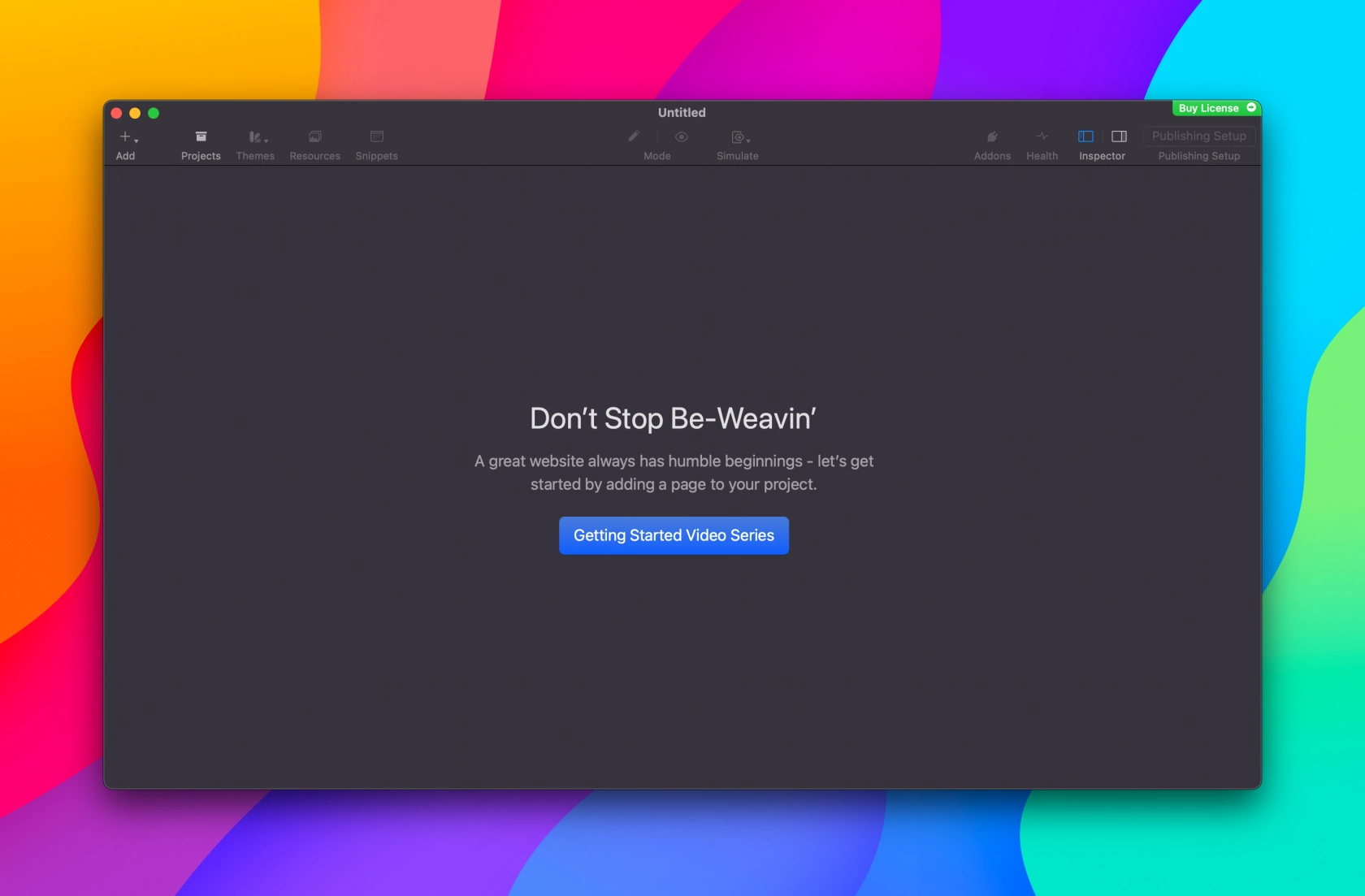
MacOS makes it really easy to take a screenshot. There are three screenshot options:
-
The entire screen
-
An entire window
-
A specific rectangle
To take a screenshot, simply click the following keys on your keyboard together.
-
The entire screen,
Command (⌘)+Shift+3 -
An entire window
Command (⌘)+Shift+4then choose the window with your mouse and then hitSpacebar -
A specific rectangle
Command (⌘)+Shift+4, simply drag the crosshair to draw a rectangle to capture