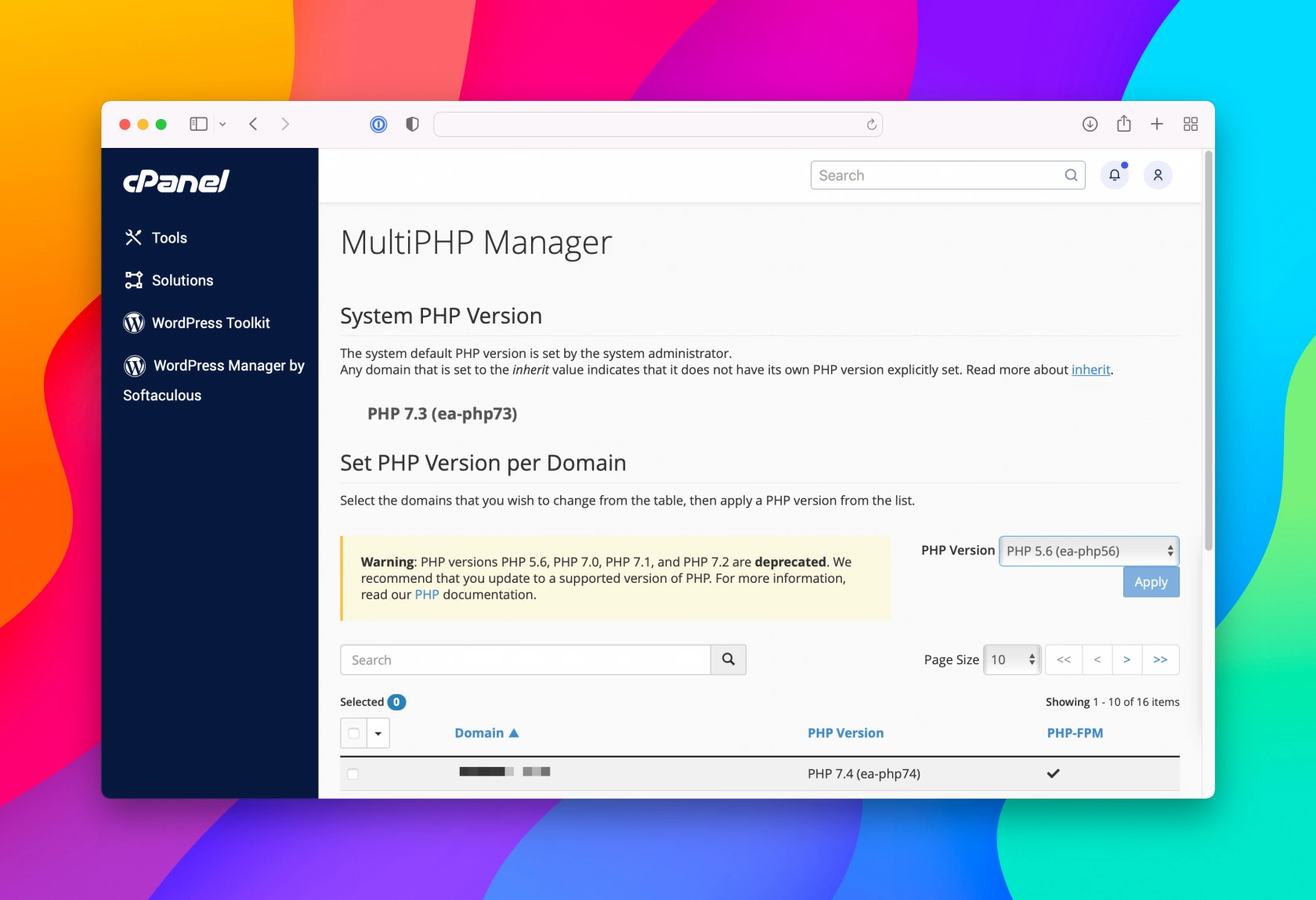
You can change the PHP version for any Add-on domain or Sub-domain in your account via the MultiPHP Manager in your control panel (cPanel). Simply select one or more sites, choose the PHP version you'd like to use from the drop down menu and click Apply. cPanel will automatically update your .htaccess file for the site with the chosen version.